 Blogs
How do you bank and save money in GTA 6? Use ATMs and the BuckMe app after the Buck Me mission
Early on, hide cash under the floorboards in Jason's bedroom. After the Chapter 1 mission Buck Me, deposit it at ATMs into a BuckMe checking account. Family Savings is safe for good, but money put there can never come back out.
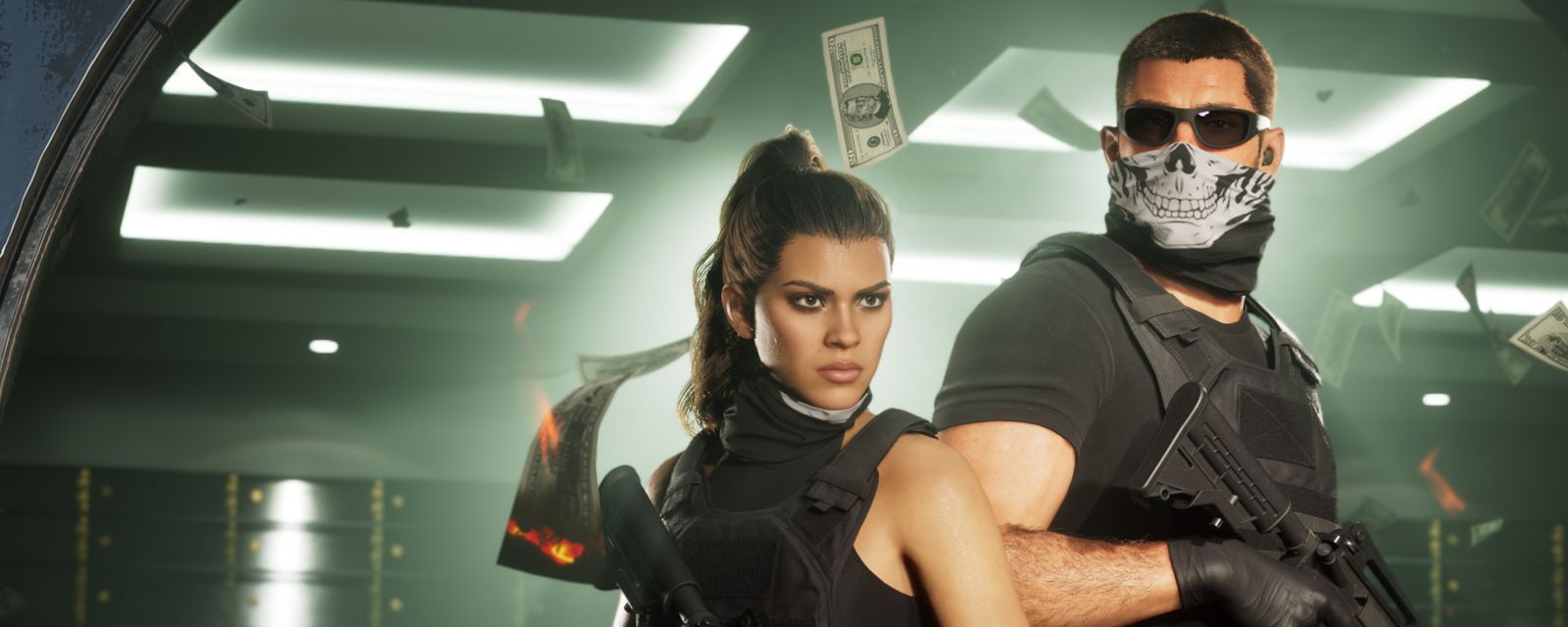
Short answer: stash cash at home until the Chapter 1 mission "Buck Me", then deposit it at ATMs into your BuckMe checking account. Cash in your pocket is at risk until it's banked.
Pocket cash
Cash you carry is mostly what you get from robberies and burglaries. GamesRadar+ and PC Gamer say each character can carry up to $20,000. GamesRadar+ says most shops take cash for purchases up to $1,000. Bigger purchases, and anything that only takes digital money, go through the bank app.
You risk that cash whenever you're wasted or busted. GamesRadar+ and Red Bull say the cash in your pocket is lost. PC Gamer describes it as a penalty of a few hundred dollars. Either way, carrying a big pile is risky.
Before you have a bank: the floorboards
You don't get a bank account at the start. PC Gamer and Red Bull both say you can hide money under the loose floorboards in Jason's bedroom at his house in Key Lento. Money stored there stays safe if you die or get arrested. PC Gamer also says you can keep stolen goods like jewelry and marked bills in the trunk of a car you own and sell them later.
The Buck Me mission and ATMs
The bank account unlocks during the Chapter 1 story mission Buck Me. Red Bull says that's roughly one to two hours into the game. After that:
- Deposit cash at ATMs. PC Gamer says they're marked on the map with a hand-and-card icon. Walk up to one and interact with it.
- Open the BuckMe app on your phone (Up on the D-pad) to see transactions and make payments.
- Jason and Lucia each have their own checking account. GamesRadar+ says the balance limits go up as the story moves on, with upgrade prompts in Chapters 2, 3 and 4. If an account is full, incoming payments wait as pending until there's room.
- PC Gamer says having an account also unlocks some weapons for purchase.
Family Savings: safe, but locked
In the BuckMe app, "Buck Yourself" moves money into Family Savings, a joint account Jason and Lucia share. The catch: GamesRadar+ and PC Gamer both say money in it can never be withdrawn or spent. GamesRadar+ says there are five savings goals, the limit rises as you move through the story, and reaching a goal before the limit goes up earns a big interest bonus. It adds that how much you've saved changes some interactions between the characters and the ending, but doesn't give details.
Keep some cash on you
PC Gamer's advice is to always keep a few hundred dollars in your pocket. Some vendors only take cash, and some street encounters, bribes and games like pool need cash right away.
Official or not?
- From the game itself: the BuckMe app, ATMs, the Buck Me mission and Family Savings are in-game systems. GamesRadar+, PC Gamer and Red Bull describe them from playing the launch version.
- Not from Rockstar: Rockstar hasn't published a banking guide. The $20,000 pocket limit, the $1,000 cash cap and the timing are what these outlets saw while playing. They don't agree on exactly how much cash you lose when you die or get busted.
GTA 6Rockstar GamesGamingGuides
Sources
- GTA 6 money management and BuckMe Bank explained (GamesRadar+) (opens in a new tab) · gamesradar.com
- Bank your cash in GTA 6, but always keep a few hundred on you (PC Gamer) (opens in a new tab) · pcgamer.com
- GTA 6 Family Savings explained (GamesRadar+) (opens in a new tab) · gamesradar.com
- GTA 6 beginner's guide: Essential tips and hidden mechanics (Red Bull) (opens in a new tab) · redbull.com