 Blogs
How do you use photo mode in GTA 6? Pause and pick Photo Studio, or press Square or X
GTA 6's photo mode is called Photo Studio and is open from the prologue. Pause the game and choose it, or press Square on PS5 or X on Xbox. Saved shots go to your console's media gallery, not the in-game phone.
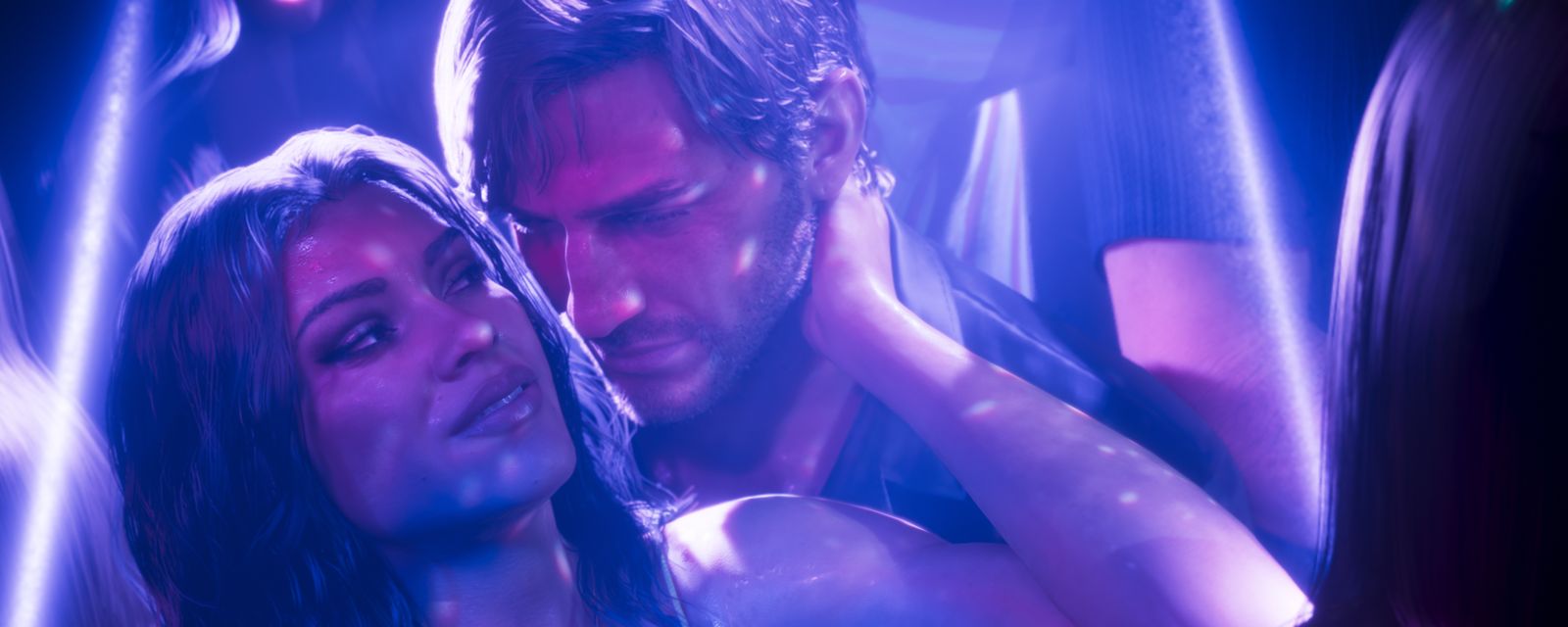
Short answer: GTA 6's photo mode is called Photo Studio. Pause the game and select Photo Studio, or press Square on PS5 or X on Xbox from the pause menu. It's available from Lucia's prologue, with no mission needed to unlock it. Pictures you save land in your console's media gallery, not in the game.
How to open it
- Pause with the Options button (PS5) or the Menu button (Xbox Series X|S).
- Pick Photo Studio, or press Square (PS5) or X (Xbox).
- Set up your shot, then select Save Photo. Insider Gaming says you hold the confirm button to save.
You can open Photo Studio during cutscenes too, but some settings are locked there and show as "Currently Unavailable", according to Beebom.
What you can change
GameSpot and Beebom describe five tabs:
- Camera: rotate and zoom, turn off depth of field, and hide your character for scenery shots.
- Effects: exposure, contrast, tint, bloom and similar image controls.
- Lighting: add up to five light sources with their own color and intensity. Presets include stage lights and camera flashes.
- Vehicle: switch your car's lights, such as headlights, on or off.
- Overlay: vignette, filter strength and filters. GameSpot points out Cartoon Universe (a light cel-shaded look), Found Footage (grainy and glitchy) and Pixel Art (retro 8-bit).
What you can't change is the time of day or the weather, Beebom says. Set those up before you pause.
For a clean screenshot instead of a saved photo, press Hide UI (Triangle on PS5, Y on Xbox) and use your console's capture button.
Where your photos go
Not to the in-game phone. Insider Gaming says Photo Studio saves to the console:
- PS5: the Media Gallery, found on the home screen or under "M" in your Game Library.
- Xbox: My Games & Apps, then Apps, then Captures.
Taking selfies on the phone
There's also a Camera app on Jason and Lucia's phone. Beebom says it becomes available once you take control of Jason after the prologue: press up on the D-pad, open Camera (third icon in the first row) and flip to the front camera. You can pick poses and facial expressions, and if your partner is with you, they can pose too, per GameSpot. Phone photos show up in the phone's Gallery app, and Beebom says the Snapmatic social app is back.
Official or not?
- Official (Rockstar): Rockstar hasn't published a guide to Photo Studio. Everything here describes how the feature works in the released game.
- Reported by outlets: The button presses, the tabs, the five-light limit, the time and weather limit and the save location come from GameSpot, Beebom and Insider Gaming, who played the game. Menu names or buttons could change in a later update.
GTA 6Rockstar GamesGamingPhoto Mode